Zoom blur a photo
Burst out from the centre
A radial zoom blur from any point you choose.
Free · No sign-up · Photos stay on your device
No photo handy?
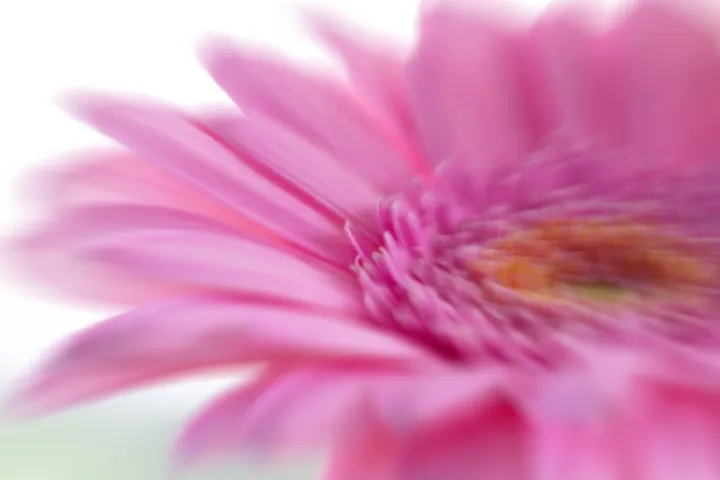
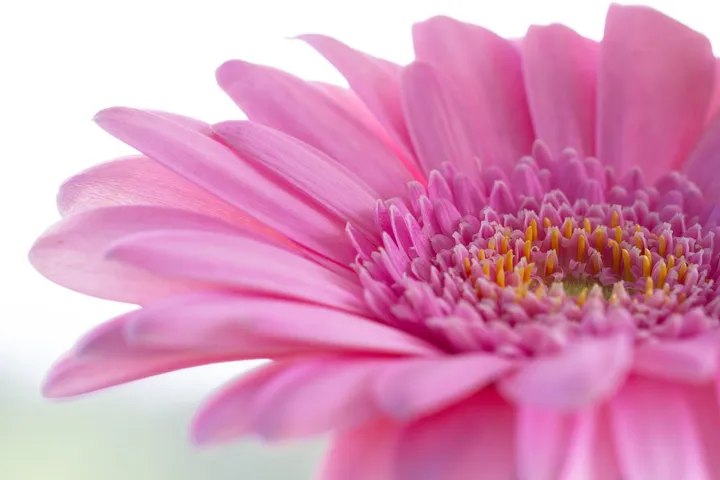
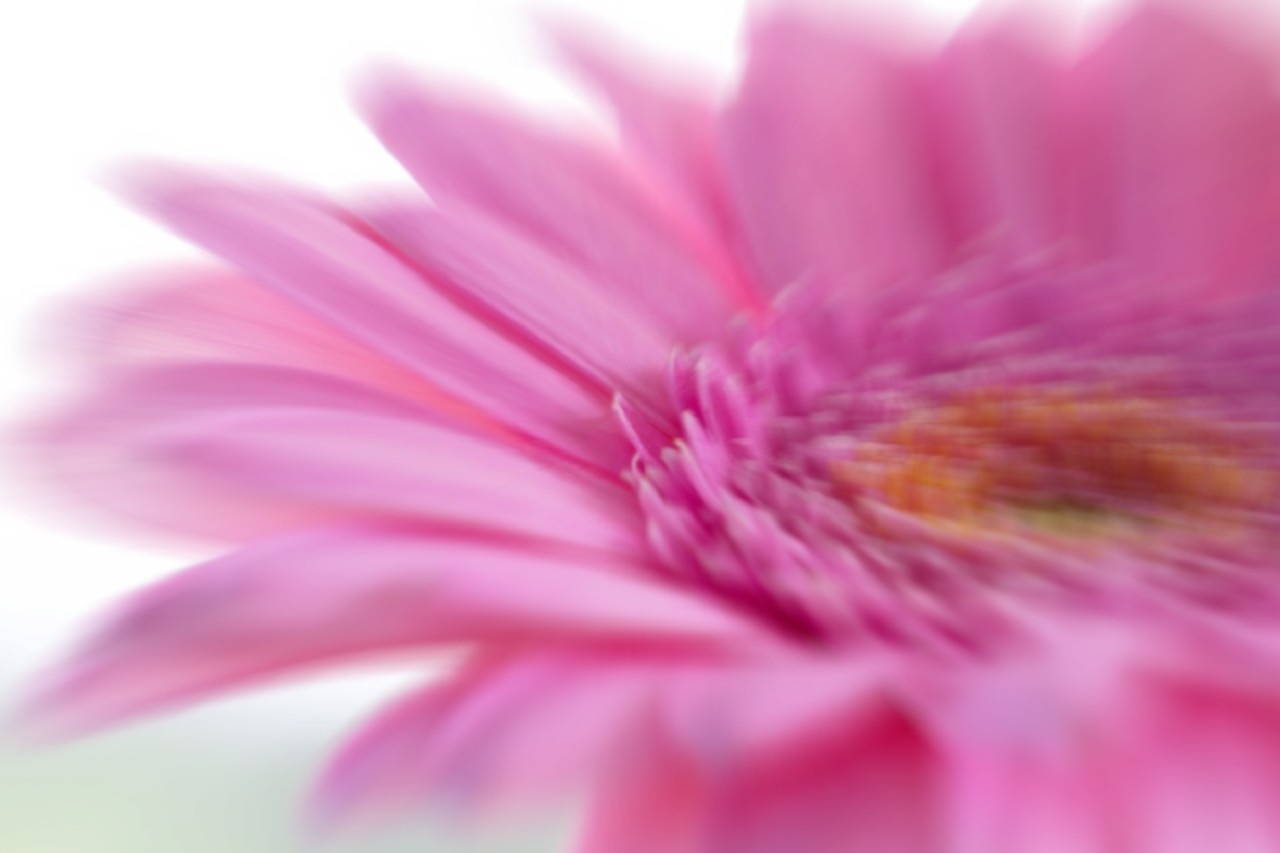
Zoom blur effect: streaks radiating from a centre you place, sharp at the centre and stronger towards the edges. Full-size save, nothing uploaded.
- Radial zoom blur from a draggable centre
- Amount control
- Full-resolution export
- Runs in the browser
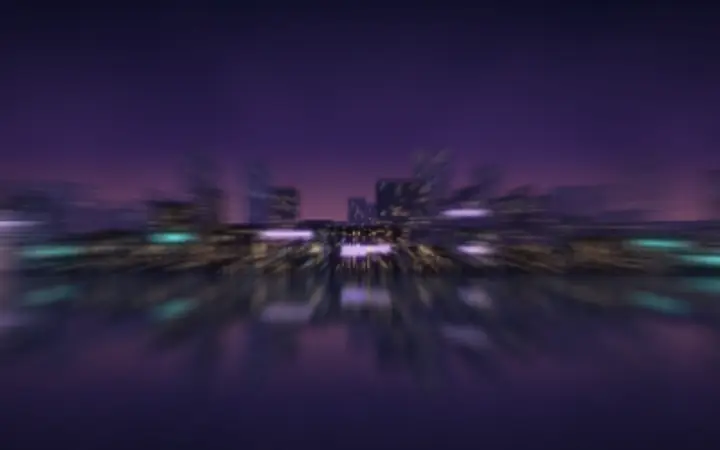
A burst of streaks radiating from a centre you place, sharp at the centre and stronger towards the edges — the look of zooming the lens during the exposure.
A runner coming towards the camera, a tunnel, a firework, a face in a crowd. Opens JPG, PNG, WebP, GIF, BMP and ICO.
Whole-photo, background, focus and region blurs, and the three privacy coverings, open with your picture. Privacy mode opens with the solid fill, the only covering here that cannot be run backwards.
A burst from one point
Zoom blur pulls every pixel along the line towards a centre you choose, more the further it is from that centre. The page opens with the centre in the middle of the picture; drag it onto a face, a runner or the end of a tunnel, and set how far the streaks reach.
When another mode is better
For streaks in one direction, use motion blur. For a soft vignette, use blur the edges. To compare every effect on your picture, use blur effects.
Limits, stated plainly
- A zoom blur is an effect, not a covering.
- Very strong amounts on small pictures can show stepping in the streaks.
- Saving as JPG fills transparency with white.