Tilt-shift a photo
Make real scenes look tiny
A sharp band and soft edges give the miniature-model look.
Free · No sign-up · Photos stay on your device
No photo handy?
Tilt shift photo effect online: a sharp band you drag and turn, blur growing either side, and optional miniature colours. Full size, nothing uploaded.
- Draggable, rotatable sharp band with a fall-off
- Gaussian, lens or box blur
- Miniature colours: saturation +15%, contrast +5%
- Full-resolution export
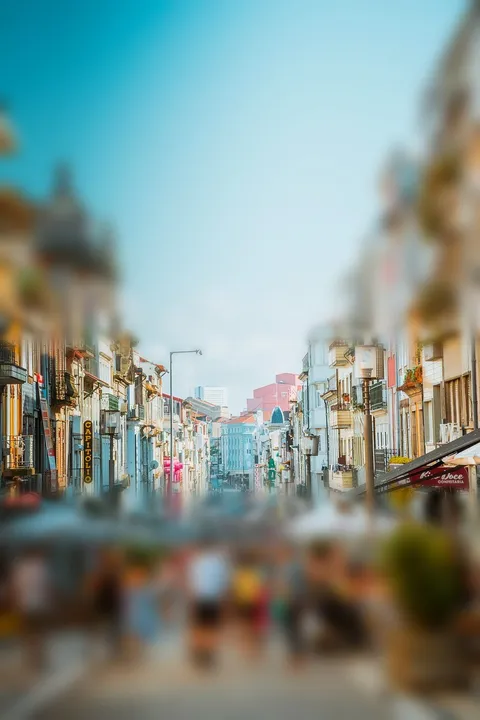
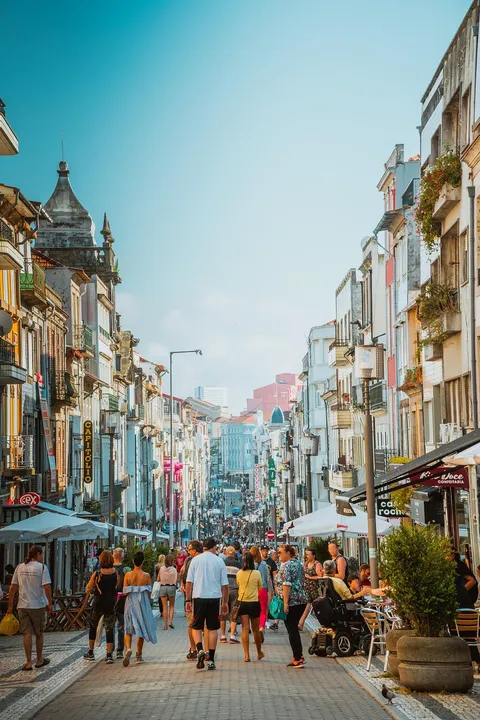
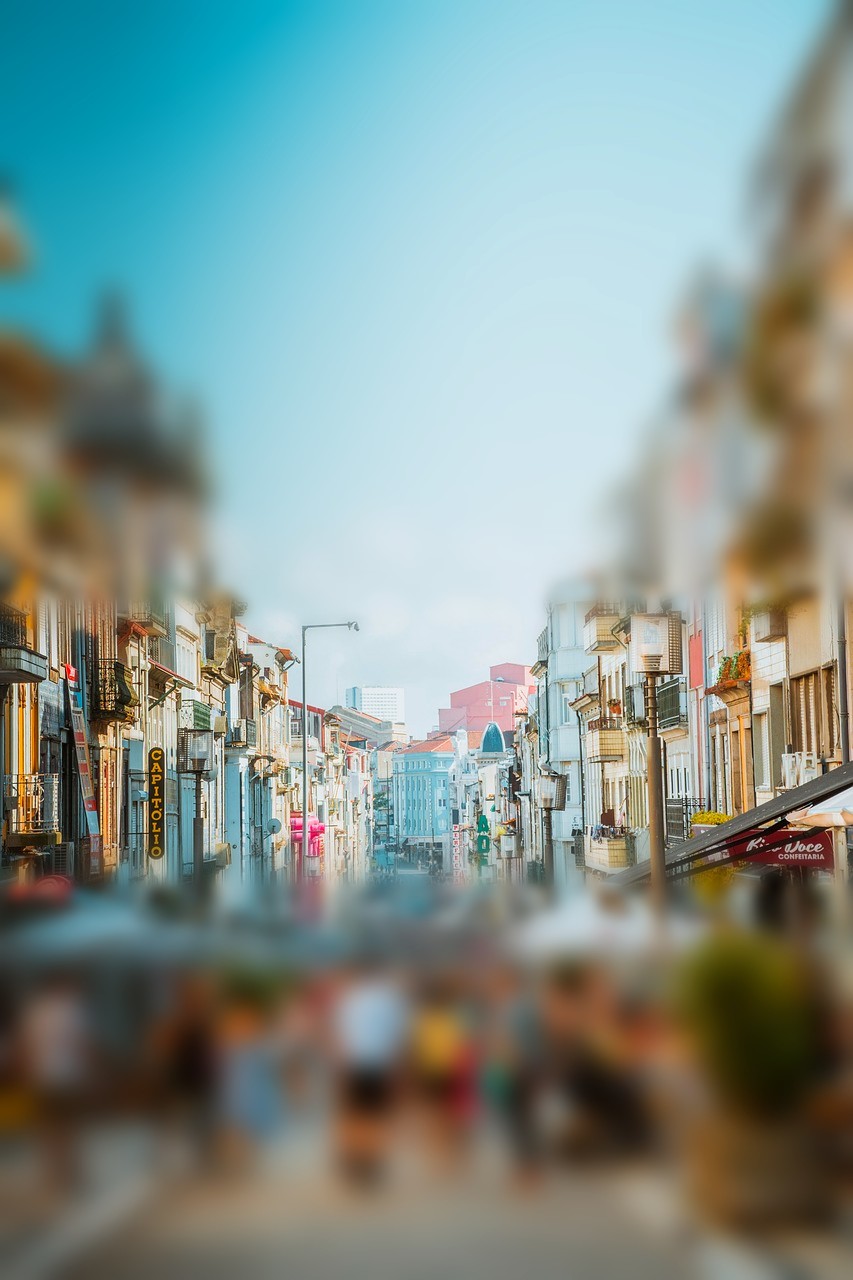
A sharp band across the picture with blur growing either side of it — the miniature-model look. Drag the band, turn it, widen it, and add the brighter colours a toy model has.
A street from a balcony, a harbour from a hill, a stadium from the top row. Opens JPG, PNG, WebP, GIF, BMP and ICO.
Whole-photo, background, focus and region blurs, and the three privacy coverings, open with your picture. Privacy mode opens with the solid fill, the only covering here that cannot be run backwards.
A sharp band, and blur either side
The band is on as the picture opens, with the miniature colours. Drag it onto what should look like a model, turn it to follow a road or a shoreline, and set how quickly the blur grows. The blur either side is computed twice — gentle and full — and each pixel reads between them by its distance from the band, so the fall-off looks like depth rather than a cut.
When another mode is better
For a soft border around a sharp middle, use blur the edges. For a sharp subject against a soft background, use blur the background. To see every blur on your picture at once, use blur effects.
Limits, stated plainly
- The look works best on photos taken from above; at eye level it reads as an ordinary blur.
- Miniature colours affect the whole picture, not only the band.
- Saving as JPG fills transparency with white.