Blur people in a photo
Keep your subject, hide the crowd
Strangers behind you get covered while your subject stays in view.
Free · No sign-up · Photos stay on your device
No photo handy?
Blur people in photo: the largest face stays visible as your subject and every bystander is covered. Swap any of them in one press.
- On-device face finder
- Largest face kept visible as the subject
- Bystanders covered with a solid fill, mosaic or blur
- Kept faces stay listed, never silently removed
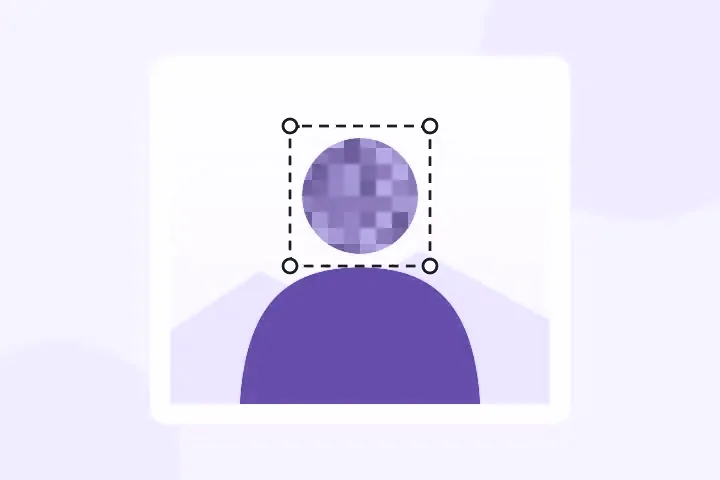
Keep your subject and cover everyone else. The face finder proposes every face, keeps the largest one visible as the subject, and covers the bystanders — and you can swap which ones stay.
A holiday photo with strangers behind you, a crowd at an event, a team photo with one person who asked not to be in it. Opens JPG, PNG, WebP, GIF, BMP and ICO.
Whole-photo, background, focus and region blurs, and the three privacy coverings, open with your picture. Privacy mode opens with the solid fill, the only covering here that cannot be run backwards.
Your subject, and everyone else
A holiday photo with strangers behind you, a team photo with one person who asked not to be in it, a street scene with a crowd: the job is to keep one or two people and cover the rest. The finder proposes every face, keeps the largest as the subject, and covers every other face with a solid fill. Each face in the list has a Keep or Cover button, so correcting the guess is one press.
Kept faces stay in the list, marked. Nothing is removed without you seeing it.
When another mode is better
To soften the whole background instead of covering faces, use blur the background. To cover every face, including the subject, use blur face in a photo. For a folder of photos, use blur faces in many photos.
Limits, stated plainly
- The largest face is a guess at the subject — check it.
- Small, turned and partly hidden faces are the usual misses; draw over them by hand.
- Covering a face does not cover a name badge, a car plate or a reflection — look for those too.
- No face recognition or matching happens here.