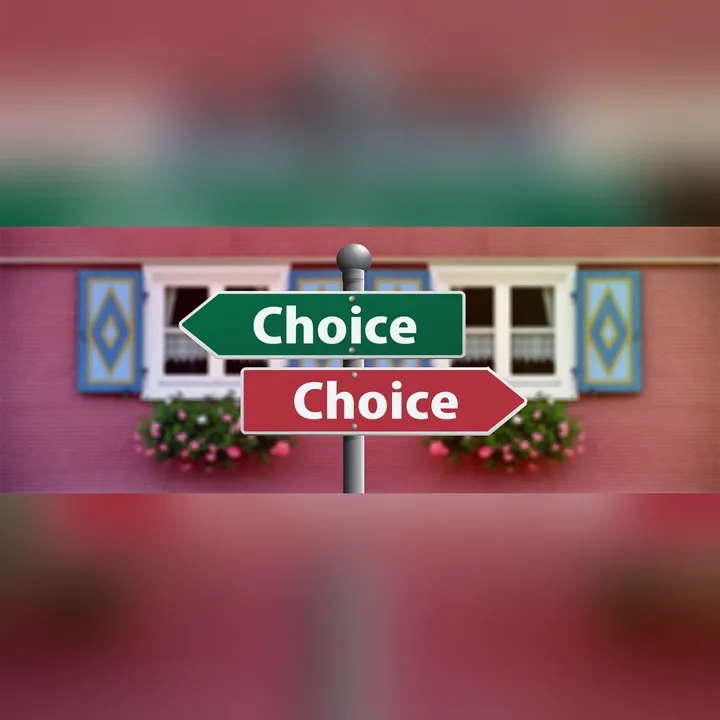
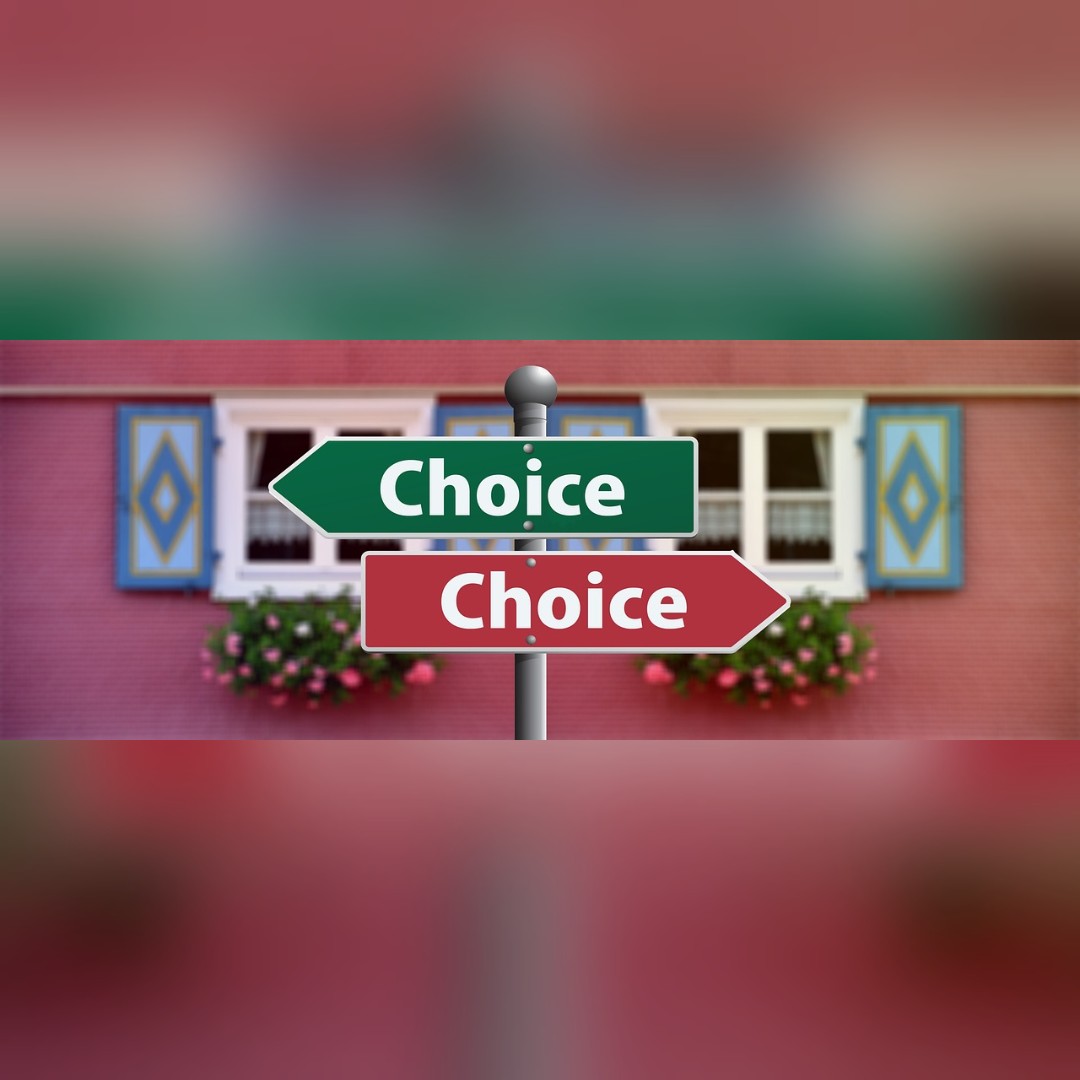
Fit a photo with blurred sides
Fit any photo without cropping
Square, story or widescreen, with blurred sides filling the gap.
Free · No sign-up · Photos stay on your device
No photo handy?
Blur sides of photo: fit the whole picture into 1:1, 4:5, 9:16 or 16:9 without cropping, the empty sides filled with a blur of the photo.
- Fit into 1:1, 4:5, 9:16, 16:9 or a custom ratio
- 1080 px short side or the photo's own resolution
- Blurred, average-colour, white or black sides
- Darken control for the sides
Fit the whole photo into a square, a 4:5 portrait, a 9:16 story or a 16:9 frame without cropping a pixel of it — the empty sides filled with a blurred, enlarged copy of the photo itself.
A landscape photo for a square post, a portrait for a 16:9 thumbnail, a screenshot for a story. Opens JPG, PNG, WebP, GIF, BMP and ICO.
Whole-photo, background, focus and region blurs, and the three privacy coverings, open with your picture. Privacy mode opens with the solid fill, the only covering here that cannot be run backwards.
The whole photo, in any shape
A landscape photo in a square post, a portrait in a 16:9 thumbnail, a screenshot in a story: the usual fix crops the picture. This page fits it instead and fills the empty sides with a blurred, enlarged copy of the same photo, so the frame looks intentional. The panel shows the file you will save, and the size line under the shape says exactly how many pixels it will be.
Nothing of the photo is cut. Only the empty space is made.
When another mode is better
To blur the border of the photo itself, use blur the edges. To blur the background behind a subject, use blur the background. To soften the whole photo, use add blur to a photo.
Limits, stated plainly
- The sides are a look, not a covering: a blurred copy of the photo is still the photo.
- The 1080 px sizes are common practice, not any platform's rule — check the platform you post to.
- Saving as JPG has no transparency; the sides are always opaque.